FREE LESSONS AVAILABLE BELOW — START TODAY
Learn Structural Revit directly from a practicing Structural Engineer based in Australia with over 11 years of real-world experience delivering projects. This training goes beyond software commands. You will learn how structural modeling is actually done inside Australian and New Zealand engineering offices — including professional workflows, documentation standards, coordination practices, and real project logic used daily in the industry. Whether your goal is to start as a structural drafter or grow your career as a structural engineer, this course will help you: ✔ Work confidently on real projects ✔ Reduce adaptation time when working in Australia ✔ Avoid common beginner mistakes ✔ Think and model like a professional By the end of the training, you will be able to develop structural models and documentation aligned with real international standards — preparing you for real career opportunities.
Student Testimonials
Discover how this course has transformed the skills and careers of our students
Thank you for the lessons and for your time and for sharing your knowledge with us!
Drafter and Estimator - Brisbane
Your Explanation was Awesome, clear and help me a lot!
Construction Manager
I really enjoyed this course. The practical examples based on Australian construction methods made a big difference, and the explanations were clear and easy to follow. Highly recommended for anyone working with Revit Structural.
Structural Engineer - Melbourne
To be honest, that was amazing, the technical knowledge and how to use the software make total difference.
Structural Engineer - Melbourne

Get hired faster
Learn how to develop structural projects using Revit based on Australian and New Zealand industry standards

Reduce adaptation time in Australia
Gain insights into professional structural drafting practices and industry expectations

Work like a professional from day 1
Practice with real projects, best practices, and productivity tips

About the Creator
My name is Fabricio Santos, a Structural Engineer based in Australia with over 8 years of experience in structural design. With more than 11 years of hands-on experience using Revit, I have successfully implemented and managed Revit workflows engineering companies in Australia and overseas. My professional focus is on BIM implementation, efficient modelling workflows, and practical structural engineering solutions used in real projects. Through my experience working in the Australian industry, I help engineers and drafters develop the skills, mindset, and confidence needed to work with Revit at a professional level and succeed in international markets.
Course Curriculum
-
1
Module 0 – Introduction to the Australian and New Zealand Construction Industry
-
2
Module 1 – Structural Typologies and Details Applied to Real Projects
-
(Included in full purchase)
Welcome!!
-
(Included in full purchase)
Download the E-books here
-
(Included in full purchase)
Lesson 1 – Fundamentals of Foundations
-
(Included in full purchase)
Lesson 2 - Fundamentals of Steel Structures
-
(Included in full purchase)
Download the steel manufacturer catalogue here.
-
(Included in full purchase)
Lesson 3 - Fundamentals of Tilt Panels
-
(Included in full purchase)
-
3
Module 2 – Revit Setup and Architectural Model Preparation
-
(Included in full purchase)
Let's start the Revit Model!
-
(Included in full purchase)
Structural Template and Architectural Drawings
-
(Included in full purchase)
Containers - Typical Details
-
(Included in full purchase)
Project Drawing Stages Explained
-
(Included in full purchase)
Quick Revit Overview
-
(Included in full purchase)
RevitPro - The Beginning
-
(Included in full purchase)
-
4
Module 3 – Structural Modelling and Architectural Coordination
-
(Included in full purchase)
RevitPro - Copy and monitor and Modeling
-
(Included in full purchase)
-
5
Module 4 – Steel Framing, Purlins, and Bracing Systems
-
(Included in full purchase)
Steel Framing
-
(Included in full purchase)
-
6
Module 5 – Girts, Openings, and Lateral Bracing
-
(Included in full purchase)
Framing - Girts
-
(Included in full purchase)
Wall Bracing
-
(Included in full purchase)
-
7
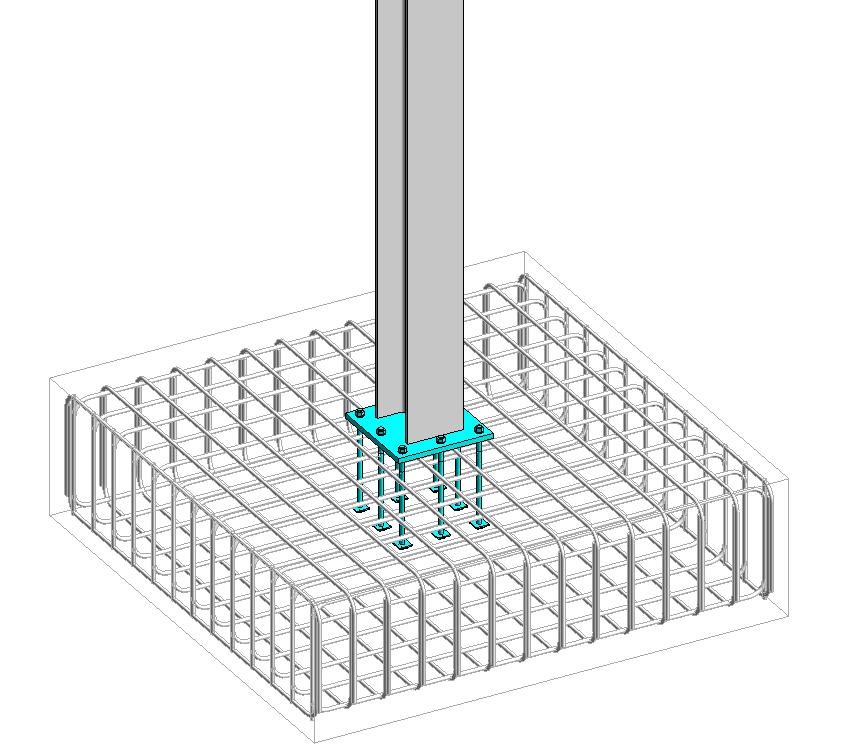
Module 6 – Foundation Reinforcement, Blockwork Reinforcement, and Structural Details
-
(Included in full purchase)
Foundation 01
-
(Included in full purchase)
Foundation 02
-
(Included in full purchase)
-
8
Module 7 – Industrial Slab-on-Ground – Reinforcement, Details, and Notes
-
(Included in full purchase)
Plan, Section and Details
-
(Included in full purchase)
-
9
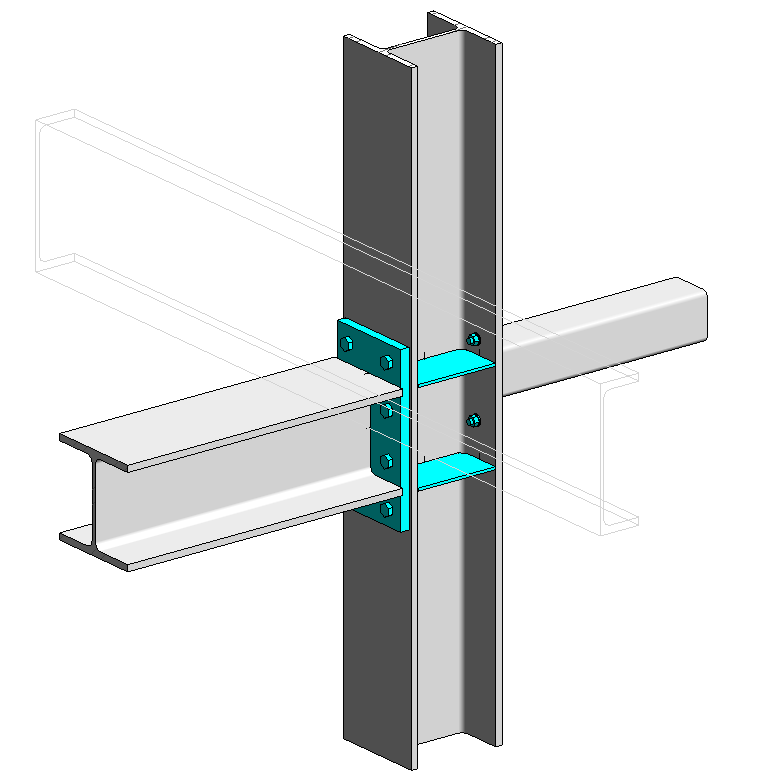
Module 8 – Structural Steel Connections and Detail Drawings
-
(Included in full purchase)
Connection and Details 01
-
(Included in full purchase)
Connection and Details 02
-
(Included in full purchase)
-
10
Module 9 - Exporting Files
-
(Included in full purchase)
Exporting Files - Pdf, IFC and Sharing Revit model
-
(Included in full purchase)
-
11
Module 10 - Commercial Facility - Tilt Panel
-
(Included in full purchase)
Download the Full Structural Tilt Panel Building here
-
(Included in full purchase)
Raft Slabs and Details
-
(Included in full purchase)
TIP - How to Create a Tilt Panel Wall?
-
(Included in full purchase)
Tilt Panel Elevations and extras
-
(Included in full purchase)
Typical Details and Reinforcement
-
(Included in full purchase)
Mezzanine and Extras
-
(Included in full purchase)
Mezzanine Details
-
(Included in full purchase)
Steel Roof Framing and Steel Details + Stair Details
-
(Included in full purchase)
-
12
Module 11 - Extra Tips - Filters and Range View
-
(Included in full purchase)
View Range and Filters
-
(Included in full purchase)
Wall Types and Filter Coordination – How to Represent Them?
-
(Included in full purchase)
Revit Corrupted File - Audit tool
-
(Included in full purchase)
Ready to Transform Your Career?
Enroll now to gain the skills and confidence to produce professional structural Revit models aligned with industry standards.
$625.00